
Overview
CYW Texture Import Auditor
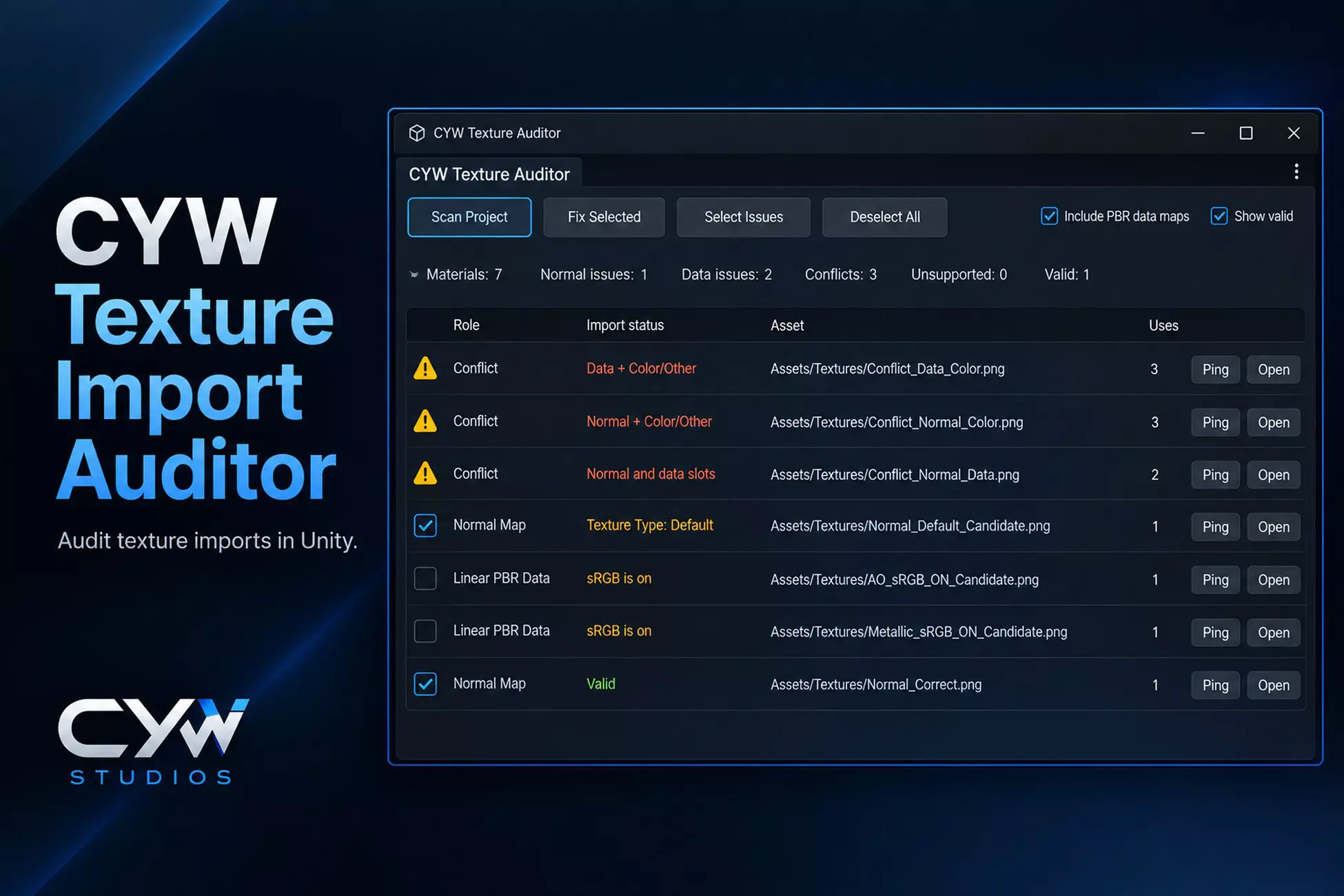
CYW Texture Import Auditor checks textures assigned to material shader slots under Assets. It identifies incorrect Normal Map import types and sRGB settings on linear PBR data, reports conflicting usage, and lets you apply selected fixes without changing ambiguous cases.
What it does
- Detect texture roles from material shader slots rather than filenames
- Check and correct Normal Map import types
- Check sRGB settings for Metallic, Roughness, Smoothness, AO, Height and other linear-data slots
- Include common packed-data slots such as ORM, ARM, RMA and MRA
- Review conflicting shared texture usage without automatic changes
- Select fixes, locate affected assets with Ping or Open, and rescan to verify the result